
How to use it
Type the last day at work as a day, a month and a year. Add a name if you like. The count appears at once, and it is up to date each time you come back.
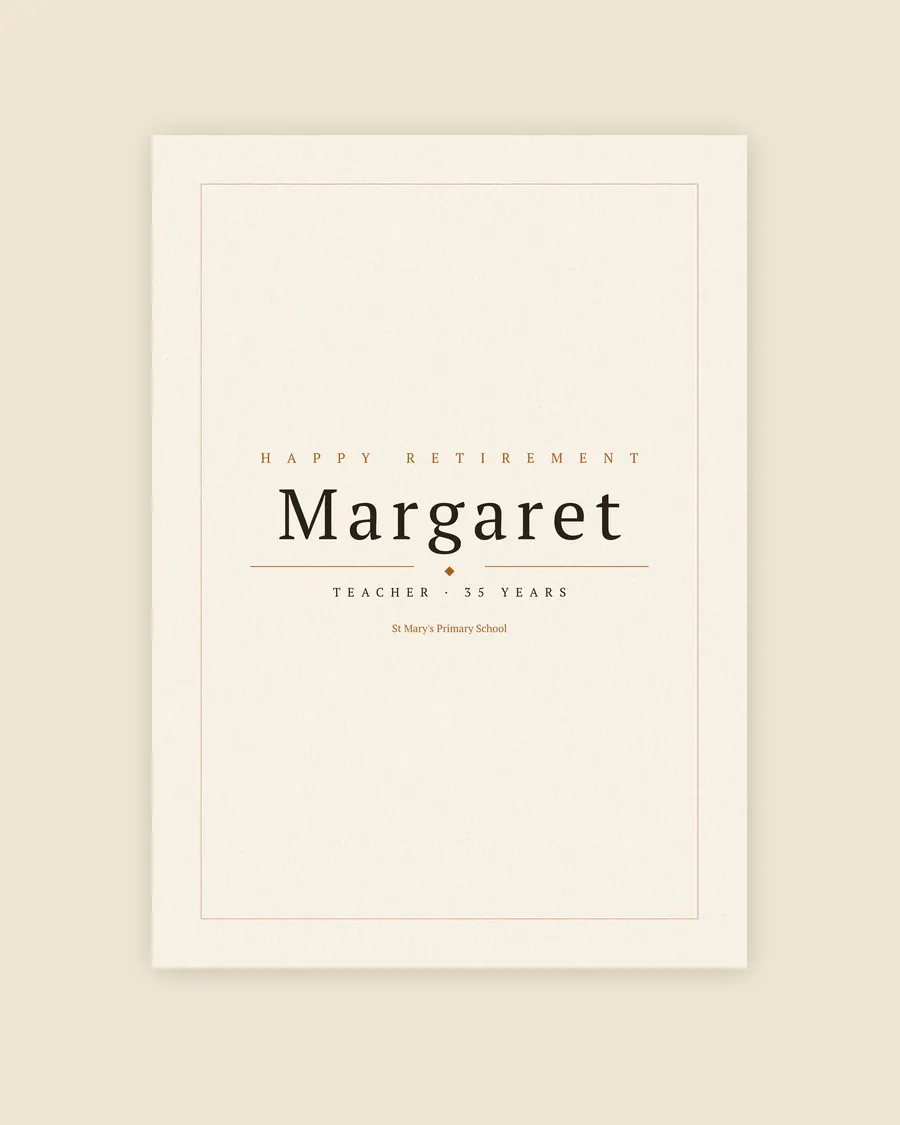 The Personalised Name Print From £15.99
 Poster
While the days run down, plan the gift: the name print, with their name, job, years and workplace set in type.
See all sizes and pricesPress "Copy a link to this countdown" and the link carries the date and the name. Send it to the person retiring, or to the team planning the leaving do.
How it is worked out
Days to go are calendar days from today to the last day. Weeks are whole weeks, with the days left over. Months are whole months from today's date, then the days after that.
Weekdays are Monday to Friday, counting today and the last day. Bank holidays are not taken off, so the real number of working days may be a little lower. Shift patterns and part-time weeks are not counted either: the tool can't know someone's rota.
The count uses the date on your own device, so it turns over at midnight where you are.

For teams and clubs
Under the tool, "Put the countdown on your team's site" gives a short piece of code. Paste it into a page and the countdown shows there, with a link back here. It works on intranets, club sites and blogs, and it is free.
While the days run down, there is time to sort the rest: keep track of the collection, plan the speech and write the card.